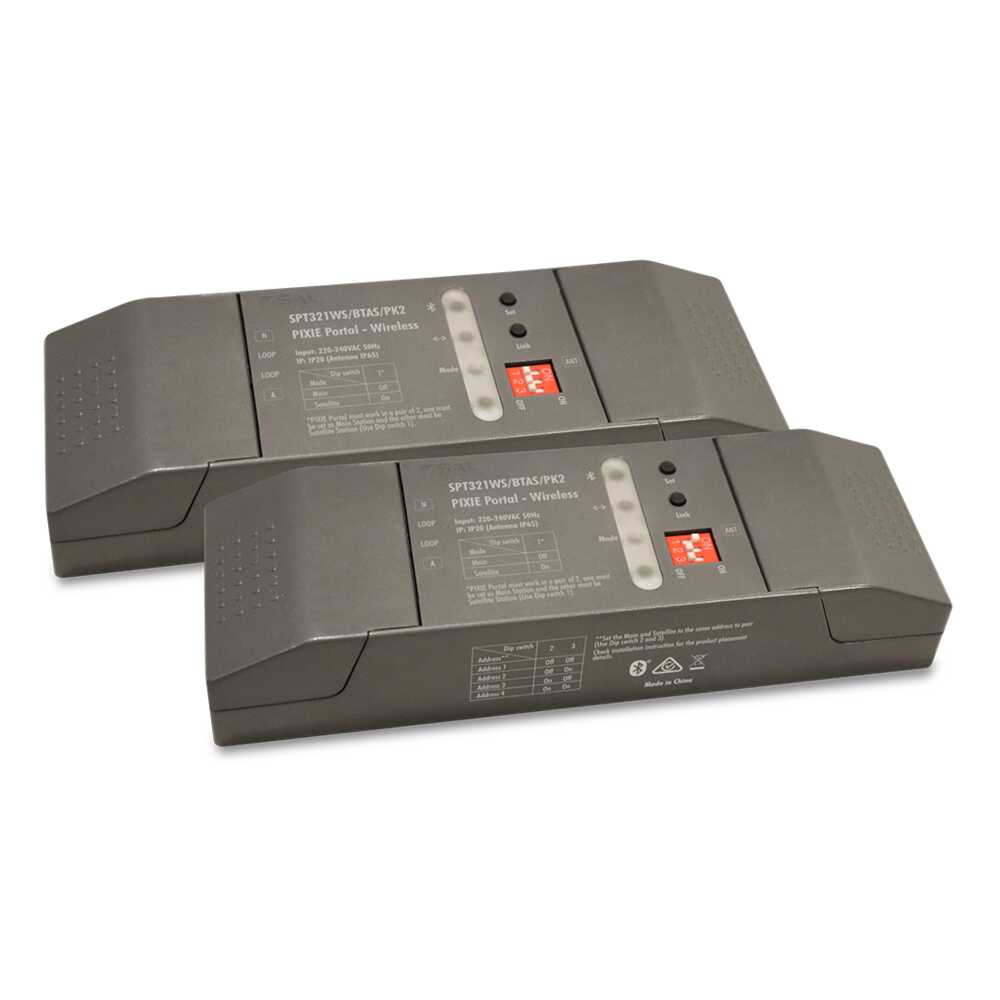
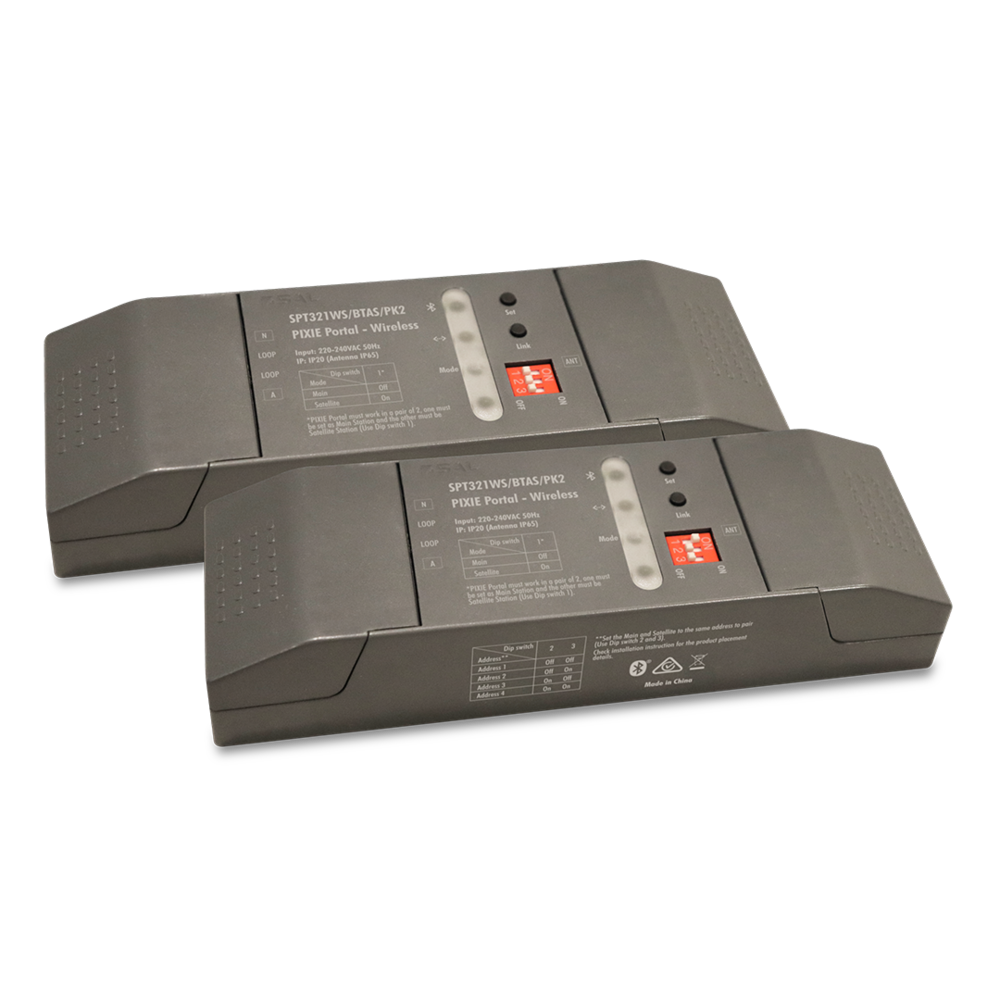
PIXIE Portal – Wireless SPT321WS/BTAS/PK2
PIXIE SECONDARY DEVICE: Directional signal bridge in PIXIE wireless smart home system
Application
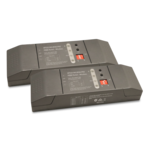
PIXIE Portal - Wireless is an innovative directional signal bridge in PIXIE wireless smart home system. It significantly extends the wireless control distance in one direction, while keeping the controlled devices of the far end in the same PIXIE network, without the involvement of internet.
It is suitable for the application that a user needs to control a small quantity of PIXIE devices in a far secondary location of a property (e.g. a shed), from a primary location (e.g. the main house) where a larger amount of PIXIE devices are installed.
The PIXIE Portal - Wireless works in a pair of two, one is set to “Main” mode (working as main station) and installed at the primary location; the other is set to “Satellite” mode (working as satellite station) and installed at the far secondary location. Once set up, the two PIXIE Portals will bridge the communication across the two locations (much longer than normal PIXIE wireless communication distance), making the control possible and stable, as if the PIXIE devices in the two locations were just close-by.
Design Specifications
Bridge PIXIE wireless communication between two far apart locations in a property
Maximum 120 meters between the main and satellite station in open space
One satellite station supports up to 8 PIXIE devices (secondary location), up to 4 pairs of PIXIE Portal - Wireless are allowed to use in a PIXIE HOME
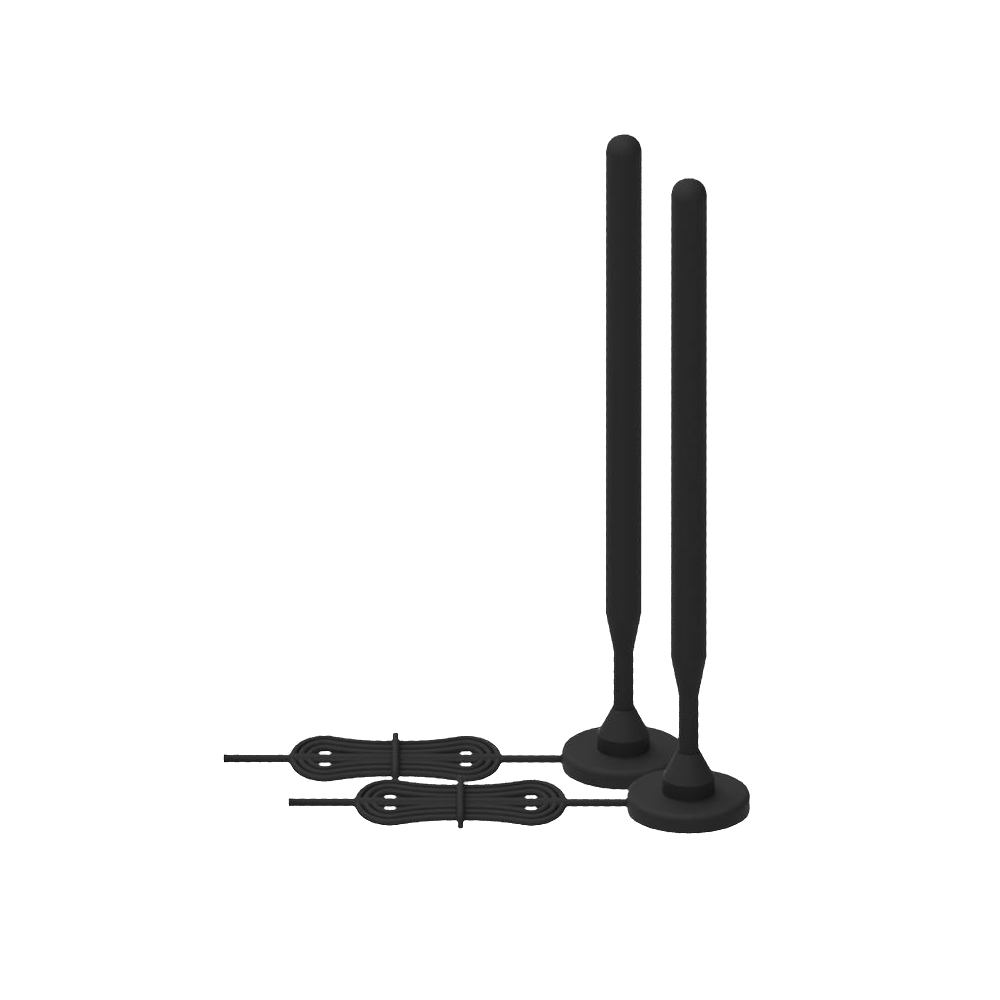
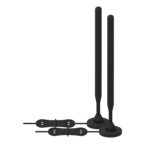
Fully local wireless communication enhancement, no need of internet or Wi-Fi, antenna IP65, suitable for mounting outdoor for best signal transmission
Physical buttons to facilitate commissioning, DIP switches for setting working modes and addresses
In-built LED indicators for clear status indication, PIXIE portal body IP20, antenna IP65
-
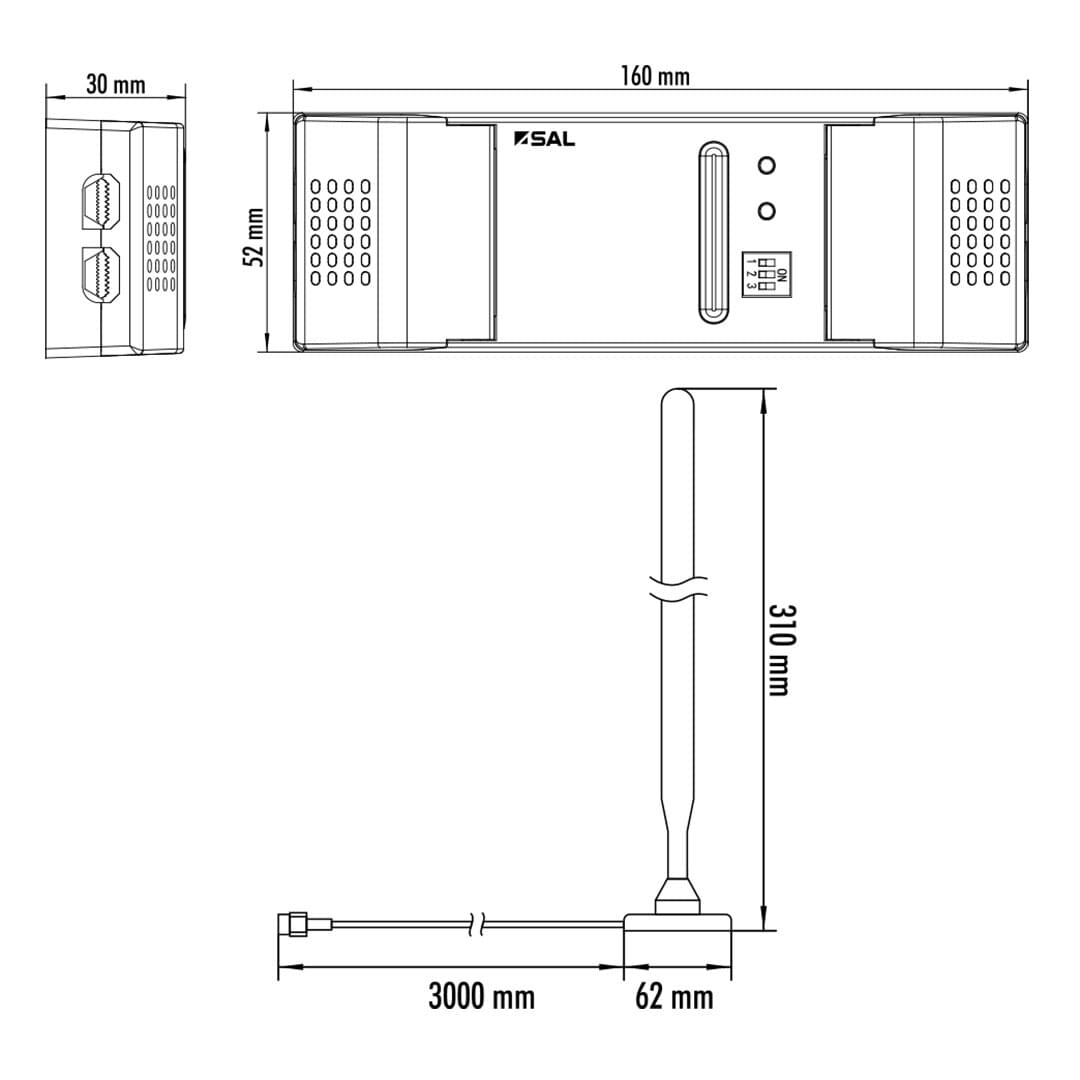
Dimensions - Wiring Diagrams
-
-
Technical Specifications
Product Model No. Add to Enquiry Use your collection cart to make an enquiry, send your collection to a friend via email, or easily download multiple datasheets with a single clickInput Voltage Body Colour 
Model No. SPT321WS/BTAS/PK2 Add to Enquiry Add Remove Remove Input Voltage 240 Body Colour GREY